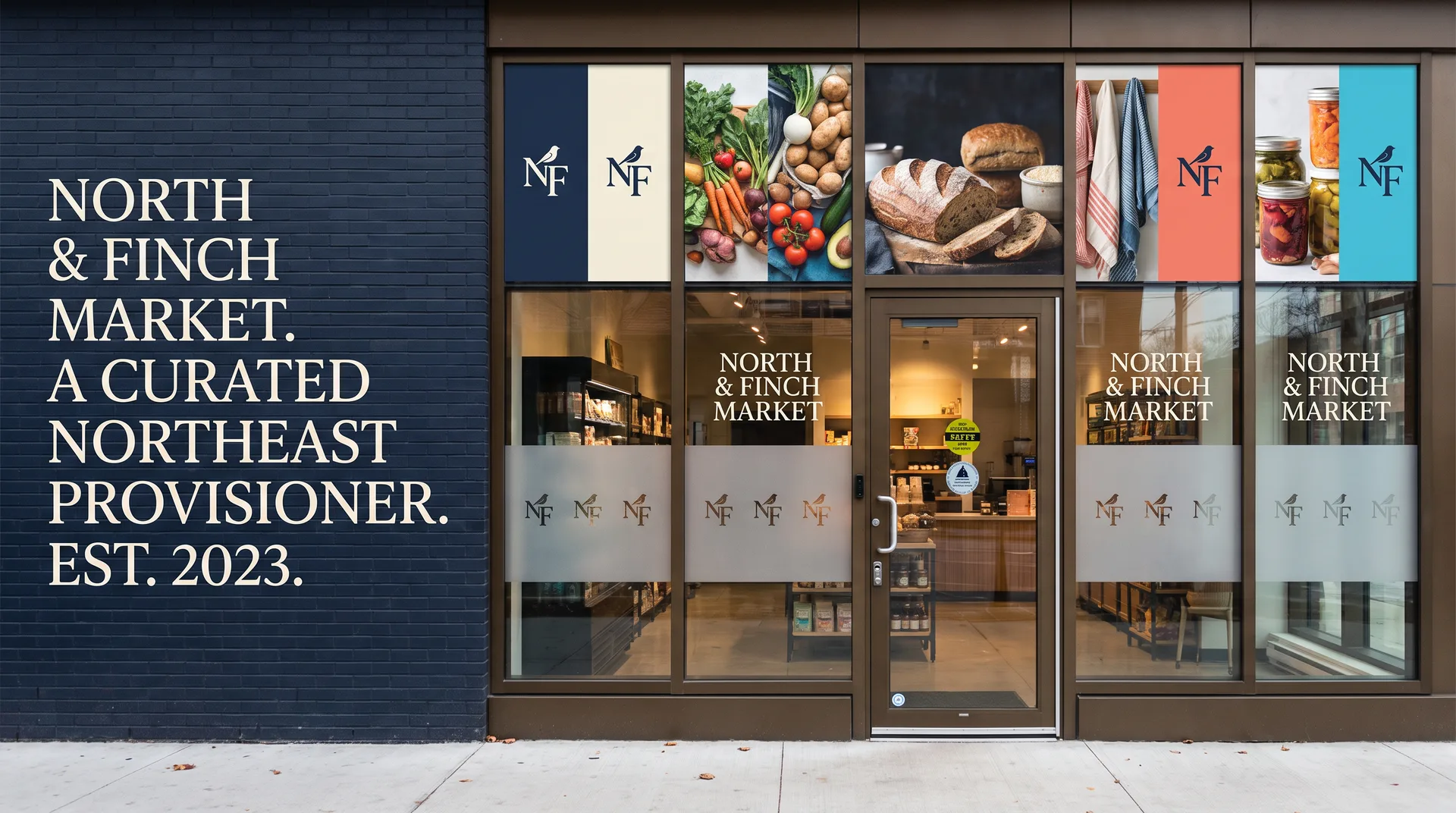
Storefront Windows
Combine identity, campaign imagery, selective coverage, and privacy goals around the entrance and approach.
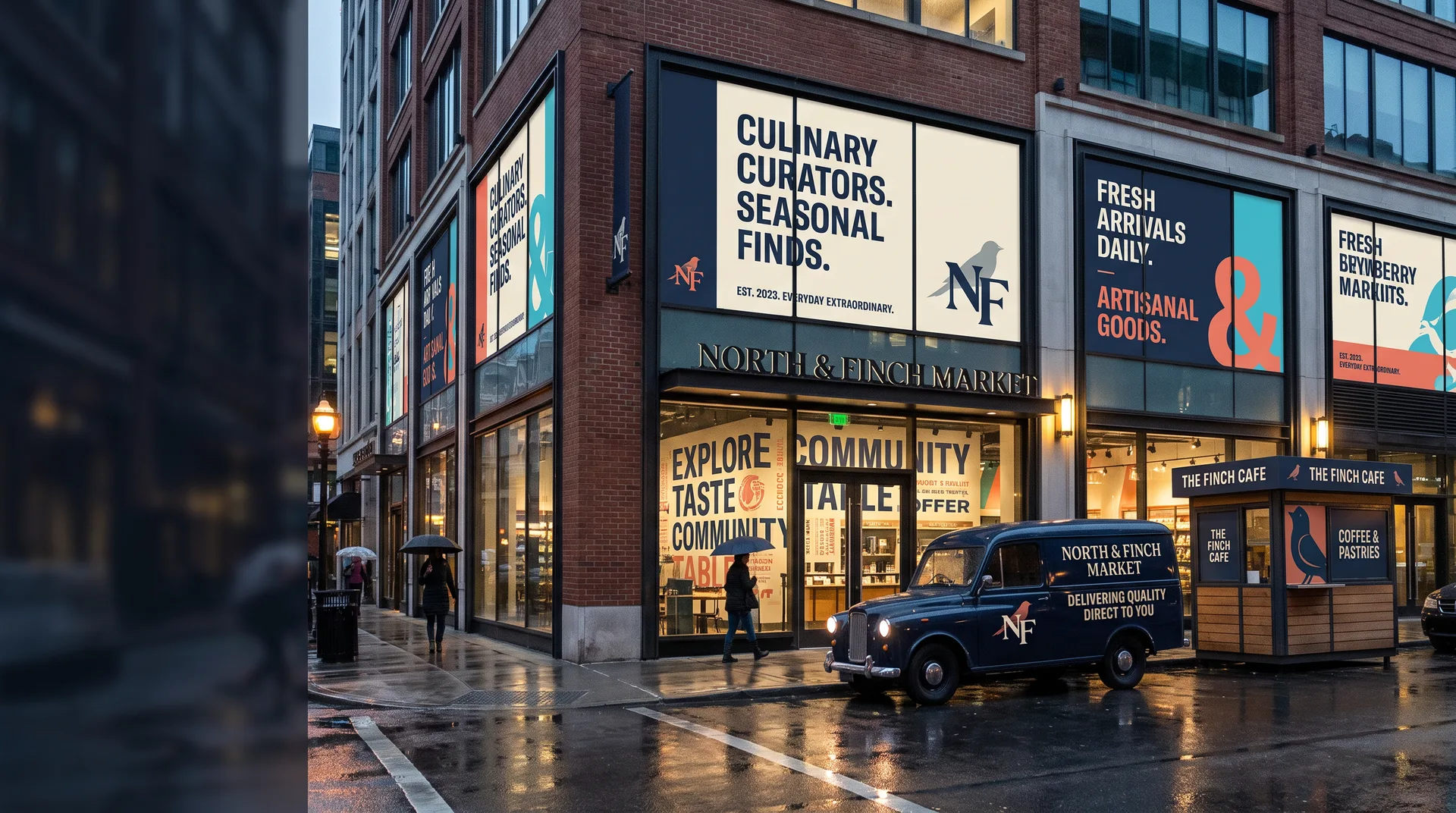
Connect storefront windows, feature walls, delivery vehicles, kiosks, pop-ups, launches, and seasonal campaigns with a retail graphics system built for each surface and customer moment.
Storefront glass earns attention on approach. Entrance graphics orient the customer. Feature walls create atmosphere and product context. Kiosks and pop-ups work at close range. Delivery or promotional vehicles extend recognition beyond the store.
The visual system should feel connected while the copy hierarchy changes by distance, dwell time, lighting, geometry, and duration. A vehicle side is not a storefront resized, and a window campaign is not an interior mural cropped to fit.
The retailer and property team approve product claims, prices, offer terms, dates, legal copy, property requirements, and accessibility or life-safety clearances. We adapt approved content to the measured surfaces.
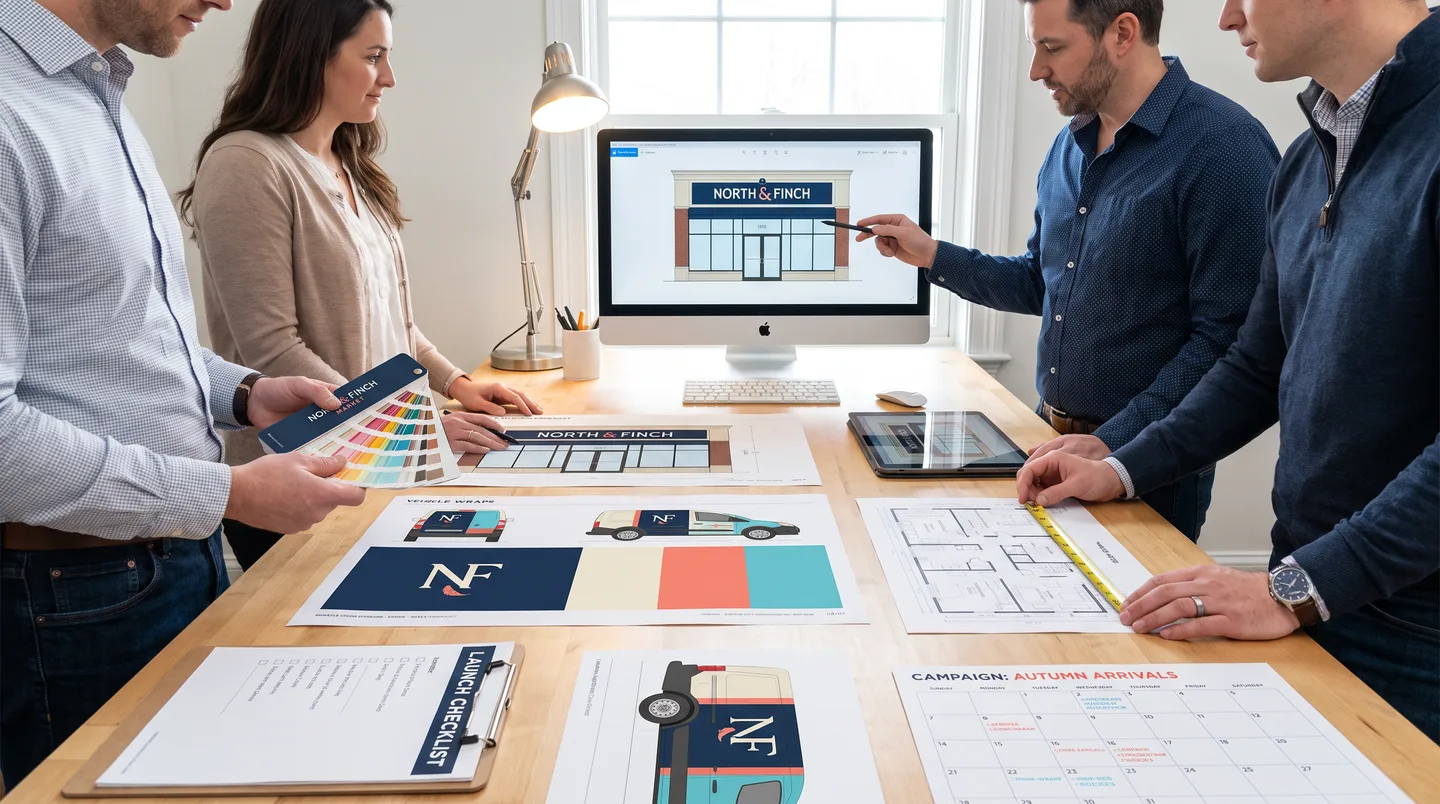
Choose one application or coordinate a campaign across locations and customer touchpoints.
Combine identity, campaign imagery, selective coverage, and privacy goals around the entrance and approach.
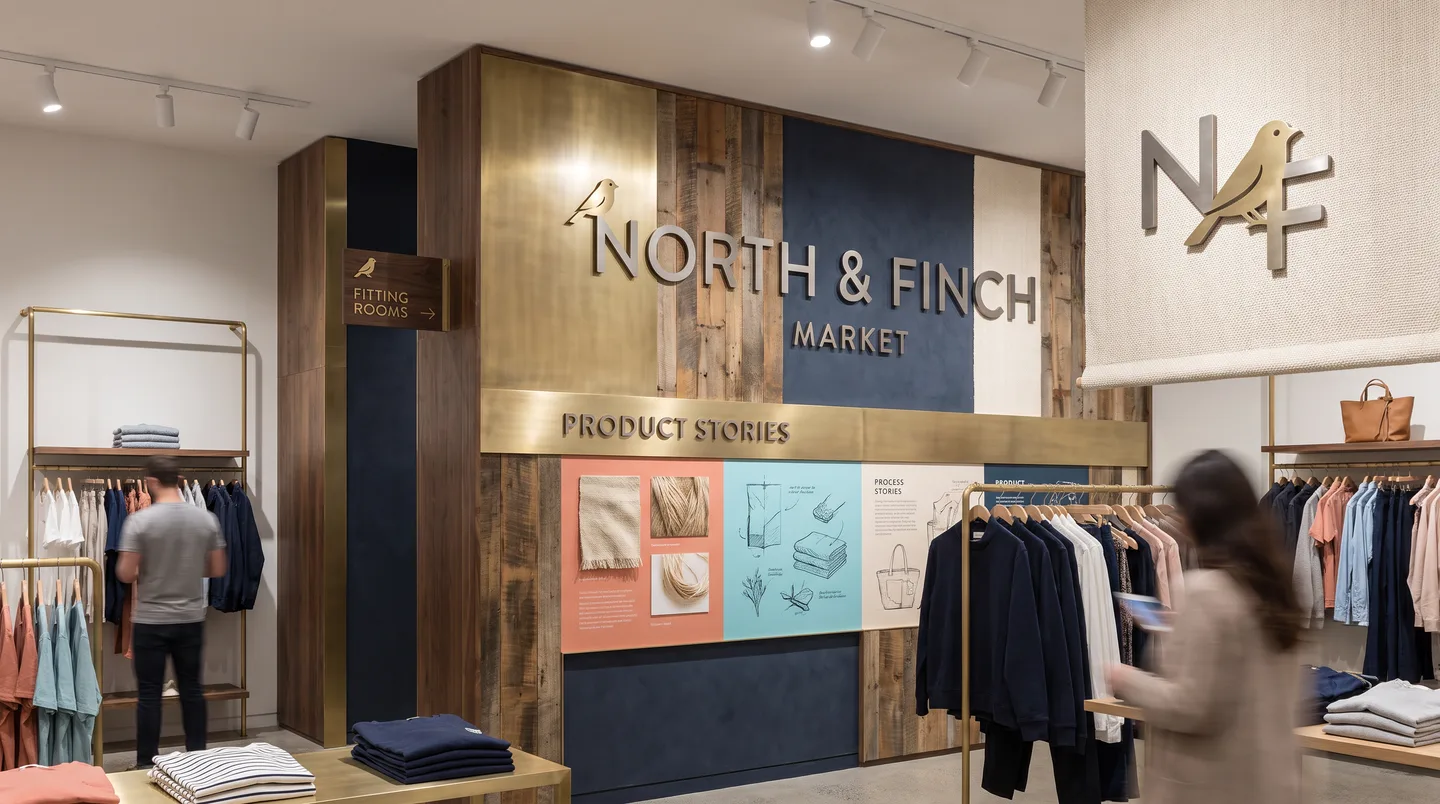
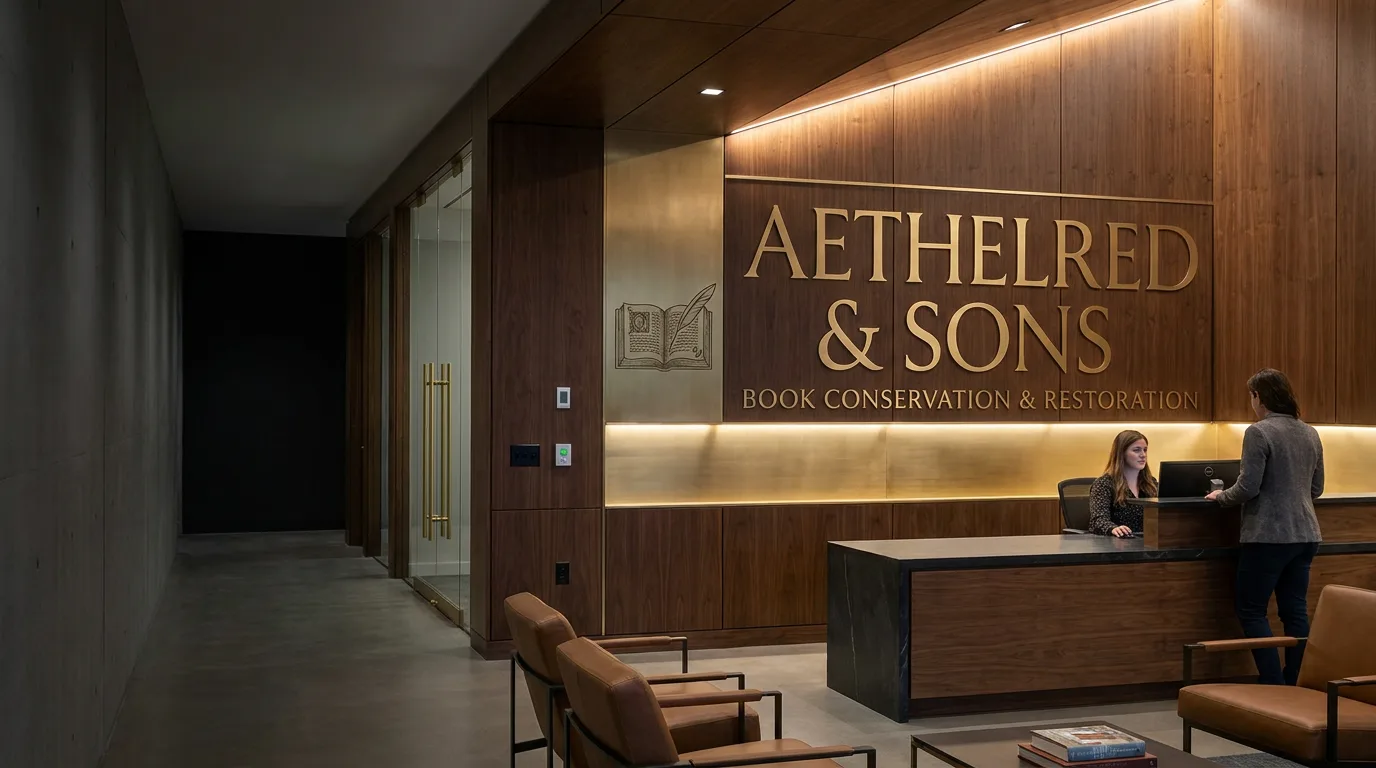
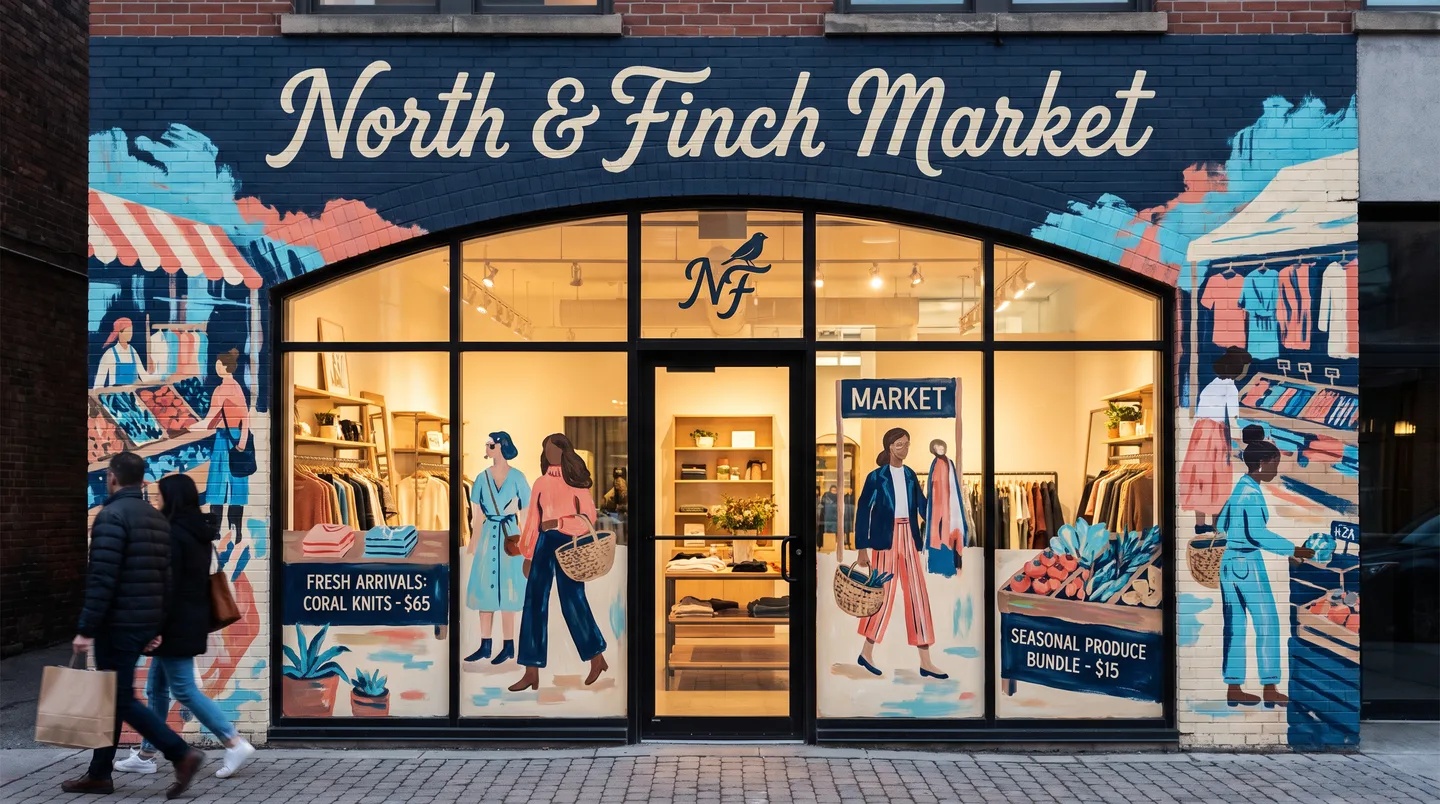
Support product stories, launches, fitting areas, counters, wayfinding, and branded customer moments.
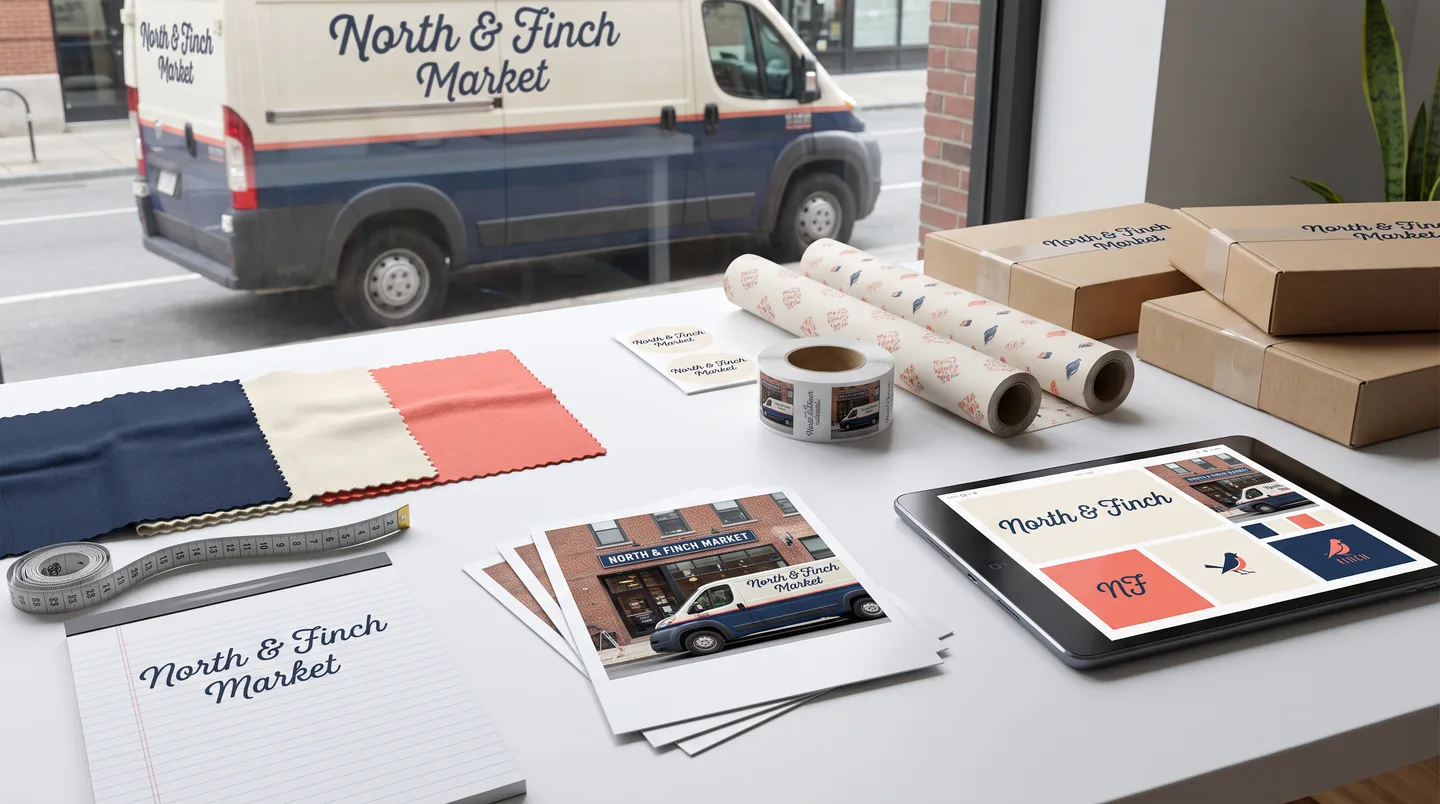
Extend the retail identity to local delivery, field sales, mobile service, sampling, and approved campaign vehicles.
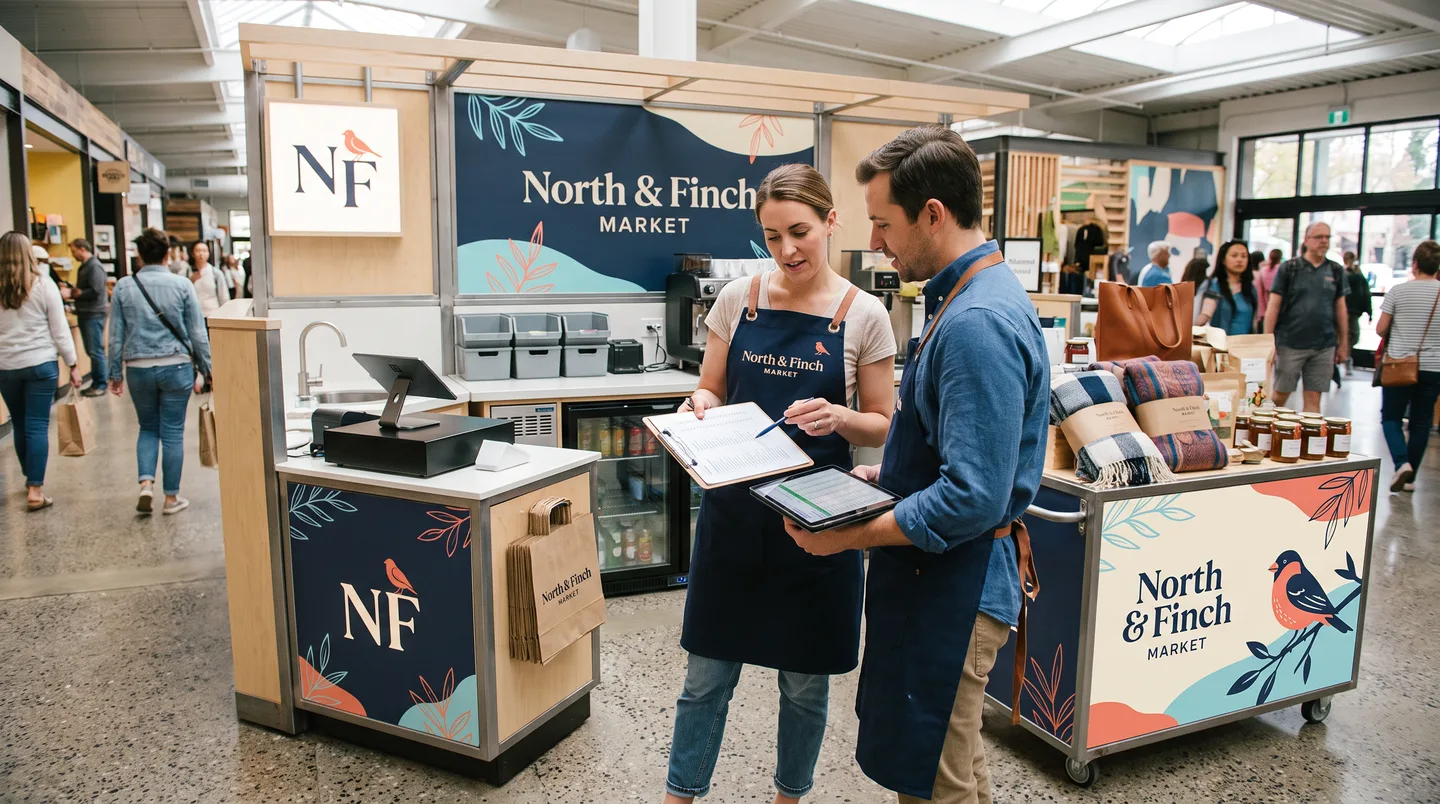
Adapt the brand to compact customer-facing surfaces, equipment, storage, service zones, and aisle viewing.
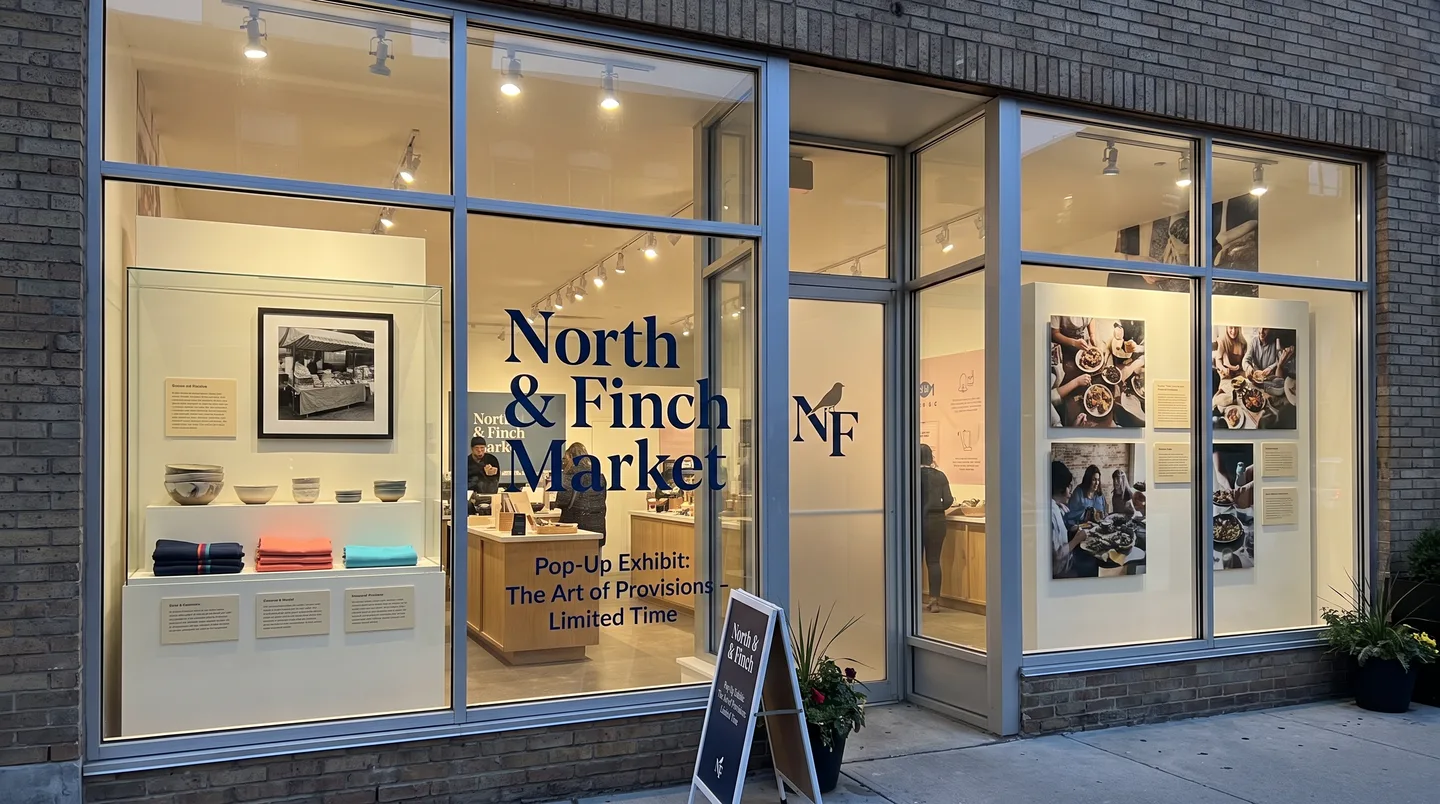
Plan short-duration identity, windows, walls, counters, and event surfaces around install and removal dates.
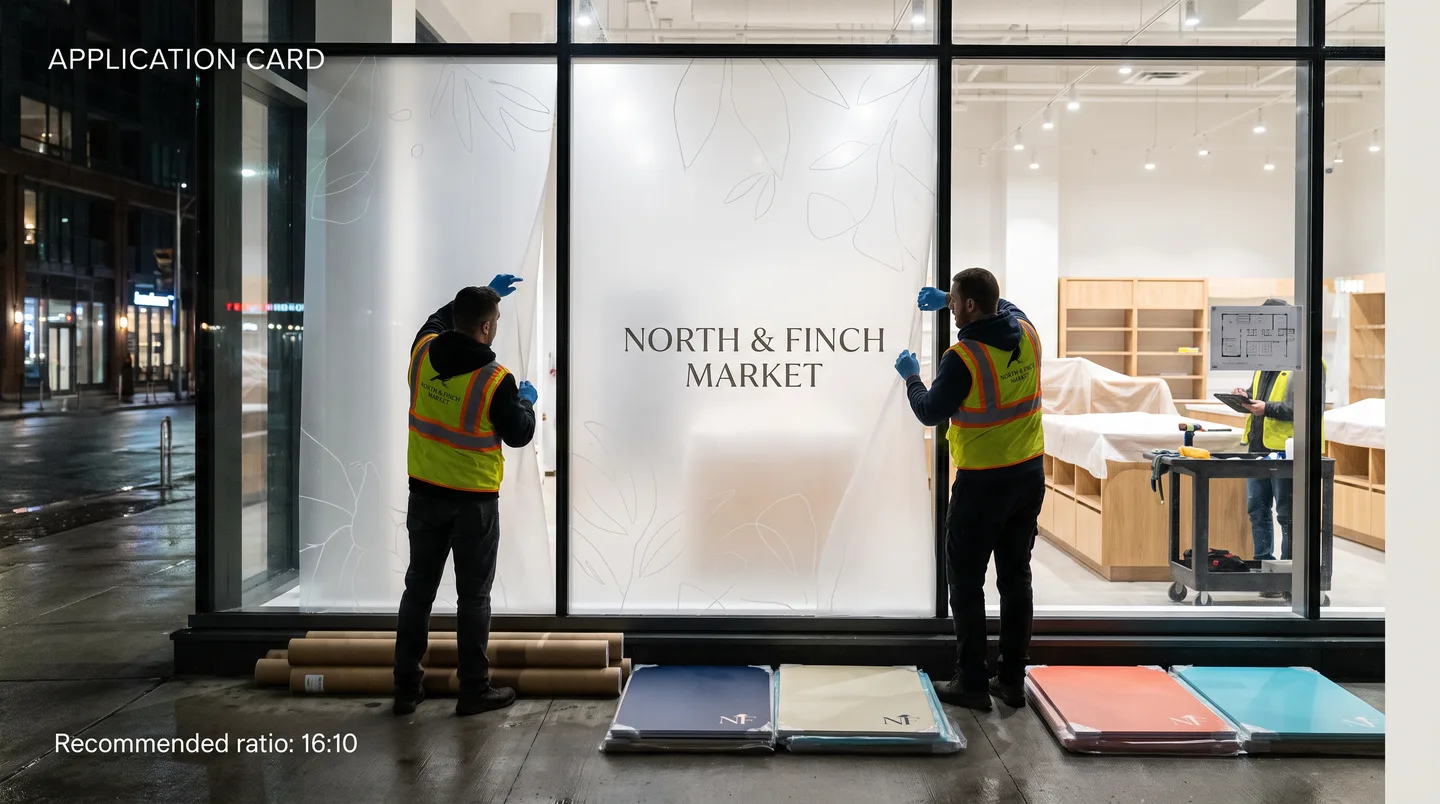
Separate reusable brand structure from changing art, offers, dates, products, and replaceable campaign modules.
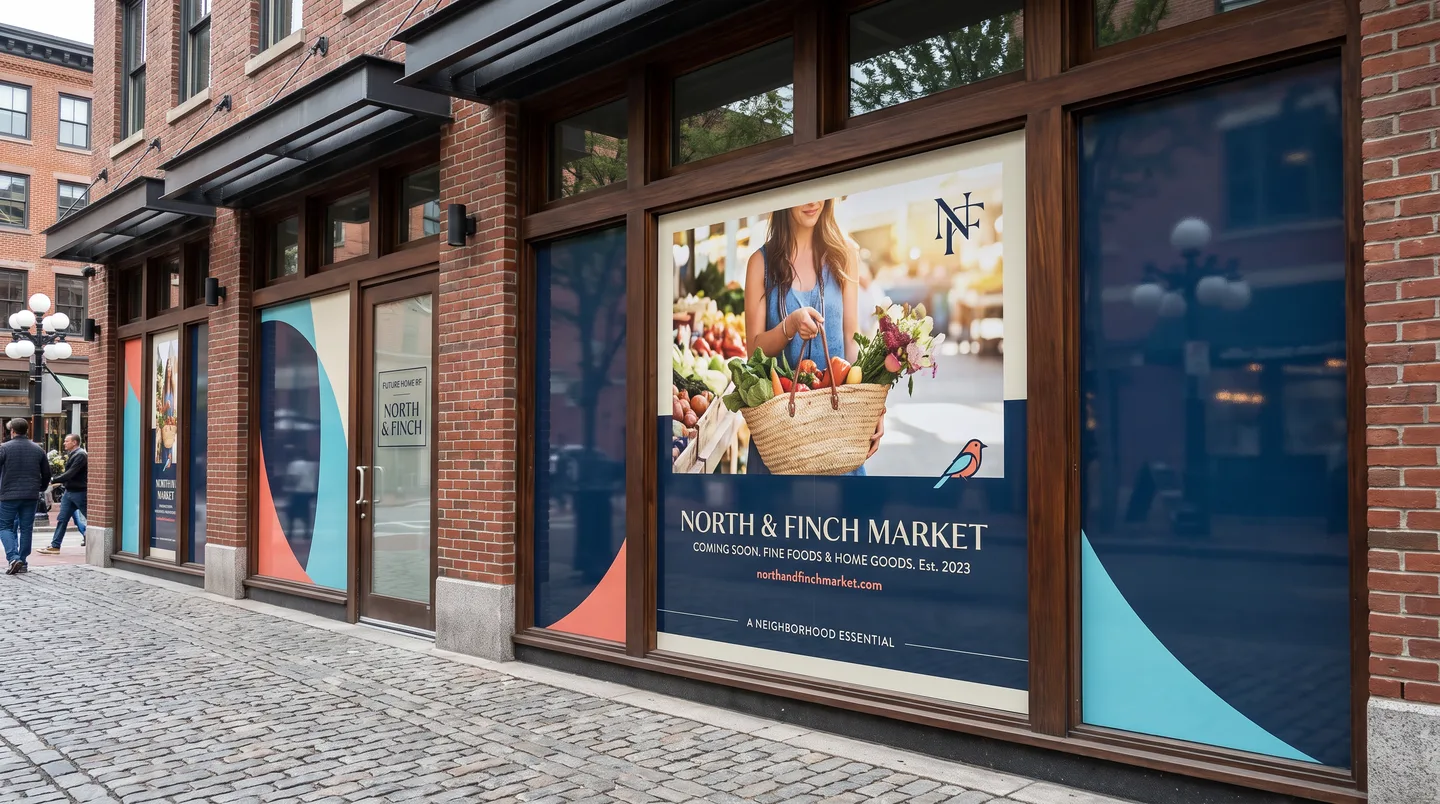
Use approved temporary coverage for coming-soon, renovation, tenant change, and opening communications.
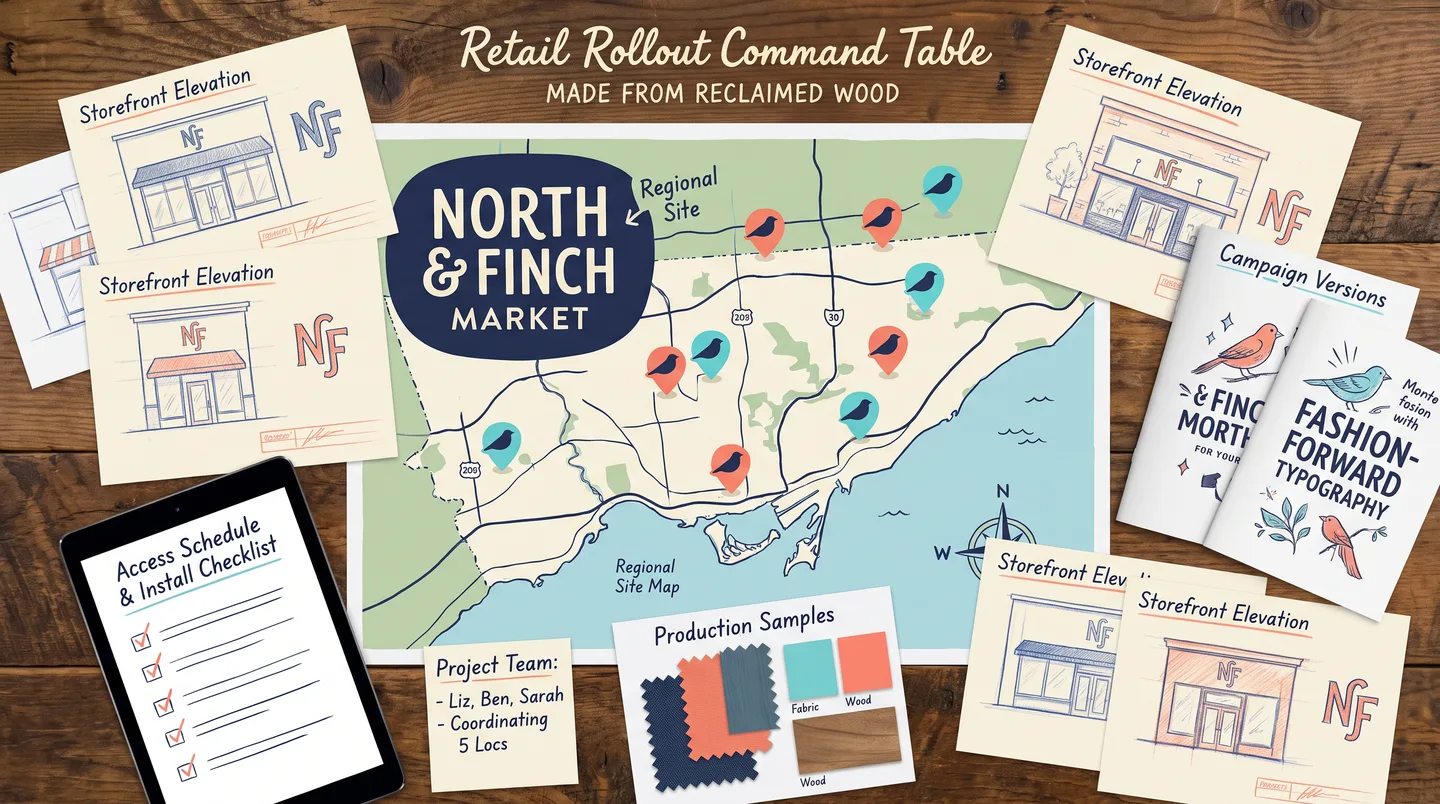
Track sites, surfaces, local variants, approvals, access, production, install sequence, and replacement files.
Retail graphics may have a fixed launch, promotion, changeover, and removal window. Build the schedule around final art, owner and property approvals, site measurements, production, shipping or staging, access, installation, customer hours, photography, and end-of-campaign removal.
Work backward from the actual public date and identify which approvals and sites can affect it.
Confirm dimensions, photos, doors, fixtures, glass orientation, wall finish, and local variations before production.
Separate permanent identity from prices, terms, dates, product claims, and offers that require final approval.
Plan around store hours, malls, loading, keys, lifts, escorts, security, customer traffic, and other trades.
Define whether old graphics are removed, covered, replaced in phases, or retained as reusable modules.
Confirm requested site photos, completion records, packaging, spare panels, and who accepts each location.
Lead with recognizable brand and campaign imagery that can be understood before the customer reaches the door.
Preserve door visibility and orient customers with approved identity, hours, or entry information.
Use walls and fixtures for product context, categories, storytelling, and wayfinding at a slower pace.
Support ordering, pickup, consultation, loyalty, or other close-range actions without visual overload.
Simplify to brand, category, and one action for motion, parking, loading, and street viewing.
Keep dates, prices, and terms on replaceable campaign elements after owner approval.
List locations, vehicles, windows, walls, fixtures, dimensions, conditions, access, dates, and approval owners.
Define shared campaign elements and layouts for approach, entrance, interior, vehicle, kiosk, and temporary use.
Confirm proofs, measurements, property rules, owner-supplied content, material, sequence, and handoff records.
Stage production and installation by launch priority, location, access window, and campaign dependency.
Share the surfaces, locations, campaign dates, and approvals that define the project.